
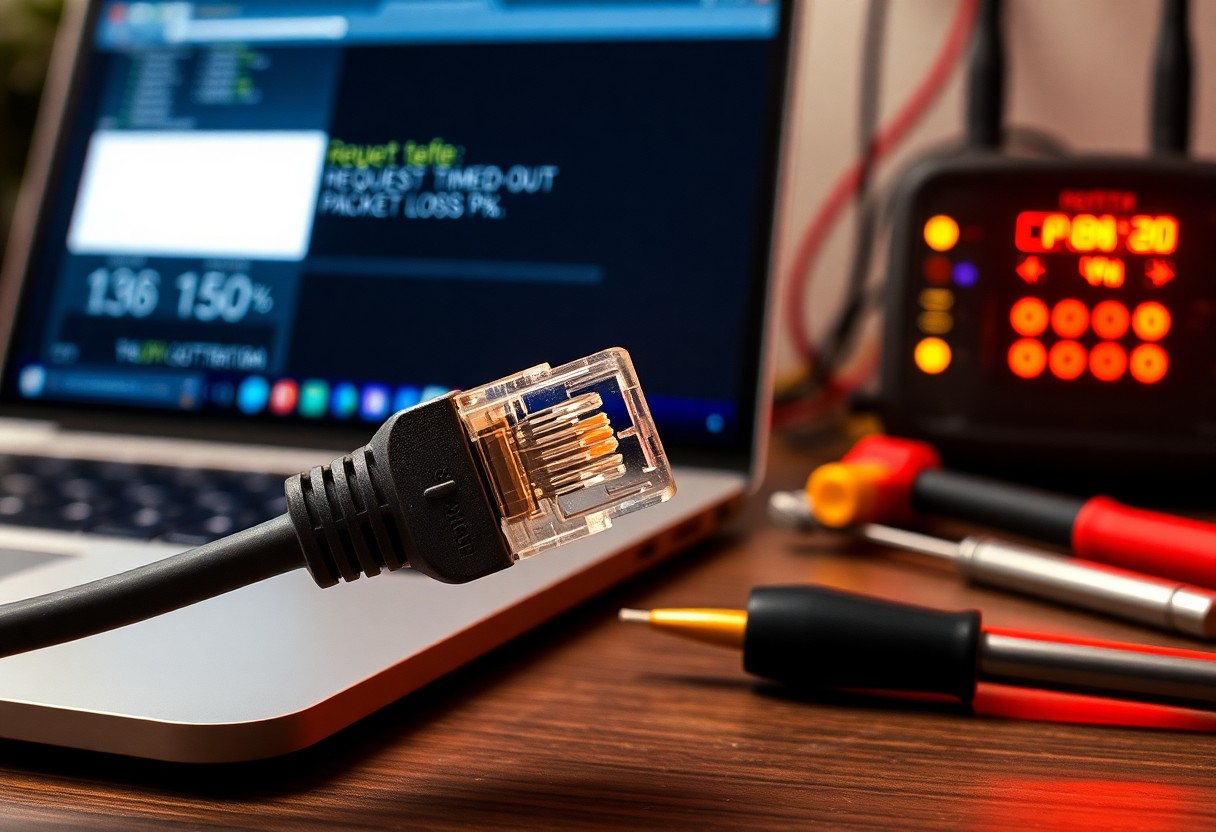
Understanding Packet Loss and How to Troubleshoot It
You need to understand packet loss to diagnose latency, jitter, and application failures. This post explains what packet loss is, common causes such as congestion, faulty hardware, cabling issues, wireless interference and misconfiguration, how to measure it with ping, traceroute, MTR and packet captures, and step-by-step troubleshooting: isolate wired vs wireless, test interfaces and cables, update firmware, adjust QoS, and engage your ISP when needed. Apply these techniques to pinpoint problems and restore reliable network performance.
What is packet loss?
For you, packet loss is the condition where discrete units of data sent across a network fail to arrive at their destination or arrive corrupted and are discarded; it can be caused by congestion, faulty hardware, buffer overflow, bad cabling, or software bugs. You will see packet loss manifest as slow transfers, stalled uploads, dropped calls, or visual/audio artifacts in real time applications because packets that do not arrive must be retransmitted or reconstructed.
Definition and measurable impact
Behind the term is a measurable quantity: packet loss is typically expressed as a percentage of packets sent that never reach the intended endpoint within an expected timeframe. You can quantify its impact by observing increased retransmissions, reduced effective throughput (especially for TCP flows), higher application-level latency, and degraded quality for streaming or interactive services; even small sustained loss rates can substantially worsen user experience.
Key metrics (loss rate, latency, jitter)
Beside loss rate, you must monitor latency and jitter to understand end-to-end performance: loss rate is the fraction of lost packets over total sent (often measured over intervals), latency is the one-way or round-trip delay you experience, and jitter is the variability in that delay which disrupts real-time playback and synchronization. These metrics interact – high loss can inflate apparent latency and amplify jitter – so you should assess them together rather than in isolation.
Further, acceptable thresholds vary by application: general web browsing tolerates small loss (<1%) and moderate latency, whereas VoIP and gaming become noticeably impaired with loss above ~1% and jitter over tens of milliseconds; streaming video can handle some packet loss if adaptive bitrate is enabled but will suffer frequent rebuffering or quality drops at higher loss rates. You should use continuous measurement and correlate loss, RTT, and jitter with user-reported problems to locate whether the issue is at the access link, the ISP, or within your own infrastructure.
Common causes of packet loss
The most common causes of packet loss fall into hardware and physical failures, congestion and queuing problems, and configuration or protocol mismatches; you will often see lost packets when cabling, wireless conditions, or network devices fail, when links are oversubscribed or buffers are mismanaged, or when MTU, duplex, or routing settings are incorrect. By understanding these categories you can narrow troubleshooting quickly: physical faults tend to produce consistent or intermittent loss tied to specific interfaces, while congestion and misconfiguration create pattern-based loss under load or after configuration changes.
Physical and hardware issues
On wired and wireless links you should first inspect connectors, cables, and radio environments because damaged cables, loose connectors, failing NICs, or intermittent interference will drop frames before higher layers can recover them; you will also encounter packet loss from overheating, power instability, or aging switching fabrics that corrupt packets or reset interfaces. Hardware-related configuration problems such as duplex mismatches, bad SFP modules, outdated firmware, or defective power supplies produce measurable error counters on interfaces that you can use to isolate the fault.
Congestion, bufferbloat, and configuration errors
Against oversubscription and poor queue management you should expect buffer-induced drops when traffic exceeds link capacity or when buffers are either too shallow or excessively deep, the latter causing bufferbloat and high latency that leads to retransmissions and apparent packet loss; misapplied QoS, incorrect MTU settings, routing loops, or overly aggressive firewall rules can also force packets to be dropped or fragmented improperly. You will commonly see this class of loss during peak usage, after policy changes, or when traffic patterns change unpredictably.
Further, you should quantify congestion and configuration faults by measuring RTT variance, packet loss over sustained pings, and interface utilization, using tools like ping, traceroute, iperf, and packet captures; check queue lengths and employ modern AQM (e.g., fq_codel) or properly tuned QoS to prevent bufferbloat, verify MTU and duplex across hops, and review device logs and counters for drops and errors to pinpoint whether drops originate on your equipment or upstream.
How packet loss affects applications
Some packet loss makes flows noisy: dropped packets increase effective latency and jitter, forcing transports and applications to react in ways that change your experience – audio dropouts, frozen video frames, slow page loads, or stalled file transfers.
You will see the impact vary by application design and loss pattern: small, sporadic drops may be concealed by buffers or adaptive codecs, while sustained or bursty loss triggers retransmissions, retransmission timeouts, and throttled throughput that visibly degrades interactive and bulk-transfer performance.
Real-time traffic (VoIP, video) and UDP
At the UDP layer real-time traffic typically sacrifices reliability for timeliness, so you feel loss as immediate quality degradation; jitter buffers and concealment can hide brief gaps, but when loss rate or burst length exceeds your buffer or codec capabilities you get choppy audio, pixelation, frame freezes, and lip-sync issues that directly affect call and stream quality.
TCP behavior, retransmissions, and application symptoms
After TCP detects lost segments it retransmits and reduces its congestion window, which increases round-trip time and sharply lowers throughput; you experience slow page loads, long file transfers, and laggy interactive sessions because head-of-line blocking forces later data to wait for retransmitted segments.
To identify TCP-related packet loss, monitor retransmission counts, duplicate ACKs, RTT spikes, and throughput drops; persistent retransmits with rising RTTs point to network loss (not server CPU), and fixes include repairing links, tuning buffers, or using more loss-tolerant transports and application-level mitigations.
Tools for diagnosing packet loss
Not every diagnostic tool measures the same symptoms, so you should pick tools that match the layer and scope of the problem. Use a mix of quick active tests for reachability and throughput plus passive capture and flow data to see actual packet behavior, and ensure you run tests from both ends of the connection when possible.
You should combine short-term tests for intermittent loss with longer-term monitoring to spot patterns tied to time, load, or specific network segments. Correlate tool outputs with device logs and interface counters to isolate whether loss originates on hosts, switches, routers, or the WAN link.
Active testing (ping, traceroute, iperf)
loss testing with ping, traceroute, and iperf gives you direct, repeatable indicators: ping shows basic reachability and packet loss rates, traceroute reveals per-hop forwarding behavior, and iperf measures throughput and UDP packet loss under load. You should vary packet size and interval on ping, use traceroute or mtr for persistent per-hop sampling, and run iperf in both TCP and UDP modes to separate congestion from path issues.
You should run active tests from multiple endpoints and schedule them over time to capture intermittent drops; use increased verbosity and timestamped logs to compare against device counters. If iperf shows loss under saturated traffic but ping does not, the problem is likely congestion or shaping rather than path-instability.
Passive monitoring and packet capture
Below you should use packet capture tools like tcpdump or Wireshark and flow exporters (NetFlow/sFlow/IPFIX) to observe actual packet loss, retransmissions, duplicates, and timing without injecting test traffic. Place captures at aggregation points or on a mirrored port so you can see both directions, and correlate packet drops with interface errors and queue drops on network devices.
You should also leverage continuous monitoring appliances or hosted collectors to aggregate flow data and raise alerts when loss or retransmits exceed thresholds; combine that with packet captures for forensic analysis of specific incidents. Use timestamps and synchronized clocks (NTP/PPS) so you can align captures from multiple locations.
capture filters, ring buffers, and hardware timestamping will make your packet captures more useful: filter to the affected IPs/ports to reduce volume, use circular buffers with sufficient size to avoid losing pre-trigger packets, and enable NIC hardware timestamps to get accurate latency and jitter measurements when you analyze retransmissions and sequence gaps.

Step-by-step troubleshooting workflow
| Step-by-step troubleshooting workflow | |
|---|---|
|
Your first actions should establish scope and impact: confirm packet loss with multiple tools, reproduce the issue if possible, and capture timestamps and affected endpoints so you can correlate events across systems. |
You then perform a progressive narrowing: check physical links and interfaces, validate configuration and routing, and examine device and queue metrics before escalating to packet captures or vendor support. |
Isolation and quick remediation steps
| Isolation and quick remediation steps | |
|---|---|
|
remediation starts with isolating the fault domain: move traffic to a known-good path, test with a single flow or host, and compare loss rates across interfaces to determine whether the issue is localized to a link, device, or path. |
You can apply rapid mitigations that reduce impact while you diagnose: restart affected interfaces or devices if safe, replace suspect cables, apply temporary QoS to protect critical traffic, or fail over to redundant links; monitor the effect immediately to validate the change. |
Advanced diagnostics and targeted fixes
| Advanced diagnostics and targeted fixes | |
|---|---|
|
To dig deeper, combine passive captures with active tests and device counters: capture packets at both ends, run bidirectional iperf/iperf3 sessions, check interface error counters, and correlate with CPU, buffer and queue statistics to locate where packets are being dropped. |
|
| Advanced diagnostics – additional guidance | |
|---|---|
|
Hence you should document hypotheses and test results as you proceed so fixes are targeted: map each observed symptom to potential causes, validate one variable at a time, and revert unsafe changes if they worsen loss. |
|
Prevention and long-term strategies
Unlike quick fixes that mask symptoms, prevention and long-term strategies reduce packet loss by eliminating root causes through better architecture, operational discipline, and continuous measurement; you prioritize stability over firefighting so your applications perform predictably under load.
You should codify standards for device configurations, deployment practices, and capacity review cycles, and embed packet-loss prevention into change control so every network alteration is evaluated for latency, jitter, and drop risk before it reaches production.
Network design, QoS, and capacity planning
Any network you operate must be designed for predictable traffic behavior: you separate control and data planes, segment traffic by class, and avoid single points of failure so packet loss from a single component doesn’t cascade into widespread outages.
You should implement QoS policies that prioritize interactive and time-sensitive flows, provision headroom for peak demand, and use capacity planning driven by traffic trends and performance SLAs so you can scale before loss becomes measurable.
Monitoring, alerting, and maintenance best practices
Monitoring should be continuous and multi-layered: you combine active probes, flow telemetry, and device counters to detect loss trends early, correlate events across layers, and validate that mitigation actually reduces packet drops.
design alerting thresholds and escalation paths around impact – not raw counters – so you avoid alert fatigue; schedule regular maintenance windows, automated firmware and configuration audits, and runbook drills so your team can remediate loss quickly and consistently.
Final Words
On the whole you should now understand what packet loss is, how it degrades throughput and latency, and the common sources – network congestion, faulty or misconfigured hardware, wireless interference, and software bugs. You can detect and quantify packet loss with ping, traceroute, SNMP counters, and packet captures, and you should prioritize systematic testing so you isolate whether the problem is local, on your LAN, or with your ISP.
When you troubleshoot, work methodically: verify cables and physical links, test with controlled pings and synthetic traffic, update drivers and firmware, replace suspect hardware, tune QoS and buffer settings to address congestion, and capture packets to pinpoint retransmissions or errors; escalate to your provider if the issue lies beyond your network. By combining monitoring, disciplined tests, and targeted fixes you will reduce recurrence and restore reliable connectivity.


